Restaurants and cafés
At the lunch rush, staff cannot write orders fast enough, tables get the wrong dishes and customers wait.
Customers scan the QR code on the table, see the menu with photos and order from their phone
Restaurant and café websitesPick a template made for your kind of business, click to change the words and photos or let AI write a first draft, then press publish. Your site goes live straight away, on a cloud in Thailand.
The Free plan never expiresNo credit cardServers in Bangkok
Already have an IT team or company systems? See Cloud services
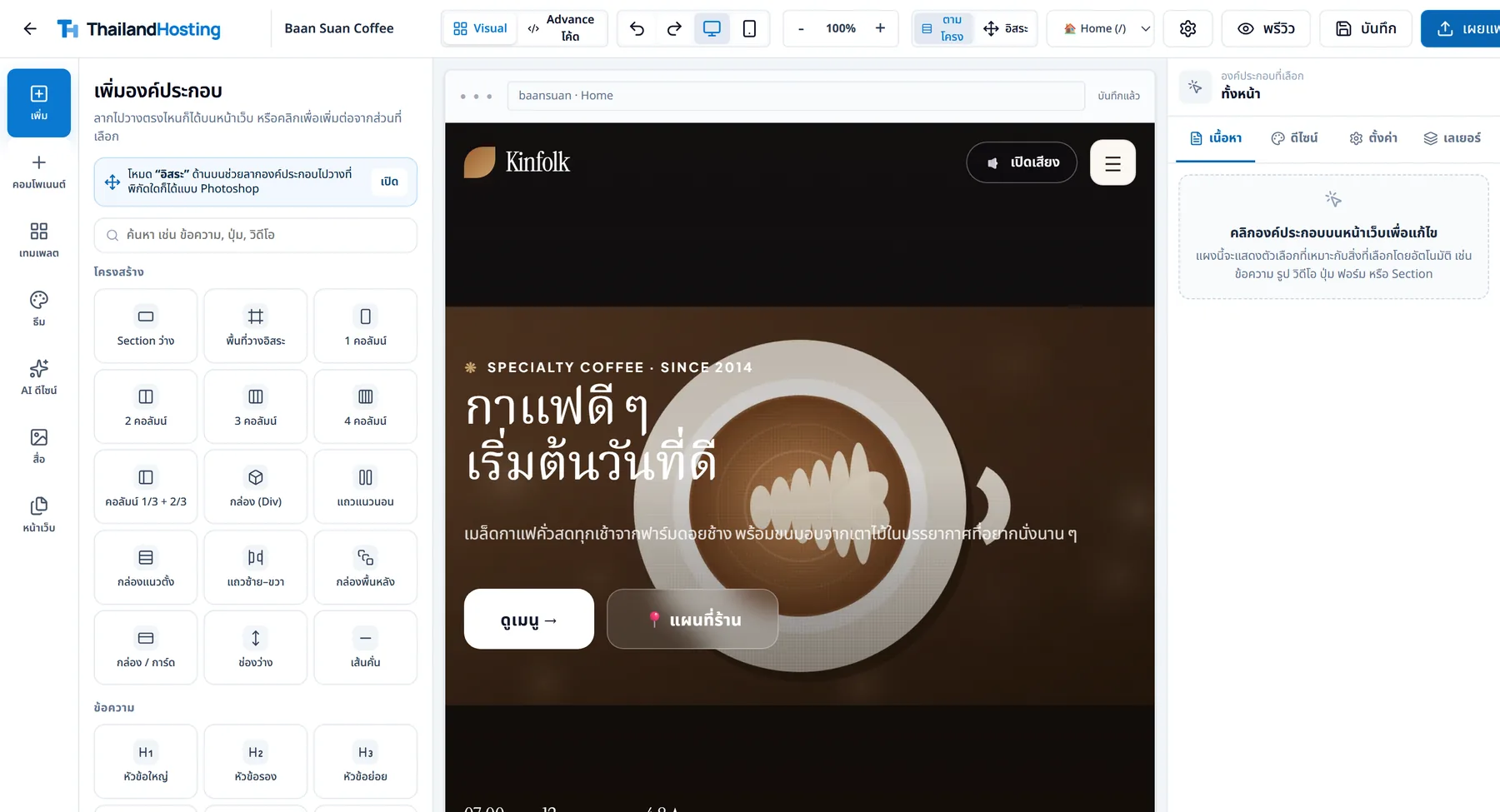
Templates are sorted by kind of business, with the parts a shop needs already in place. Change the name, photos and colours to your own, then publish.
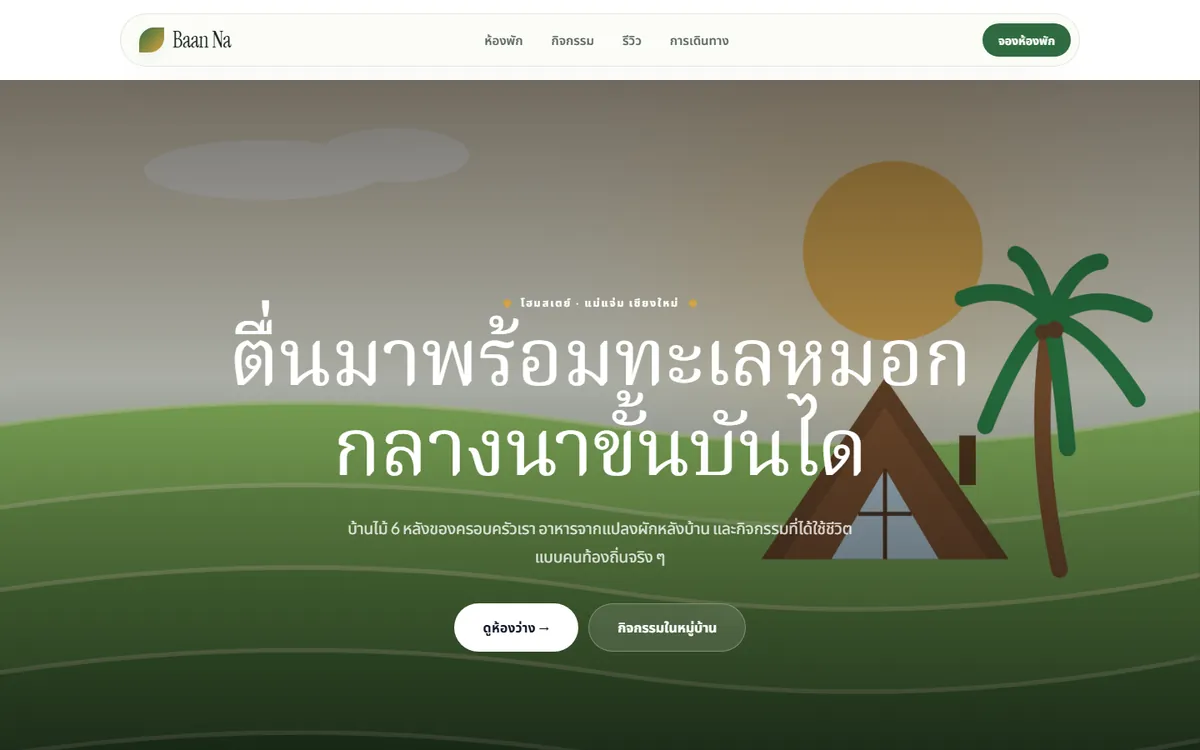
Rooms, nightly prices and room booking that cannot double-book.
Hotel, resort and homestay system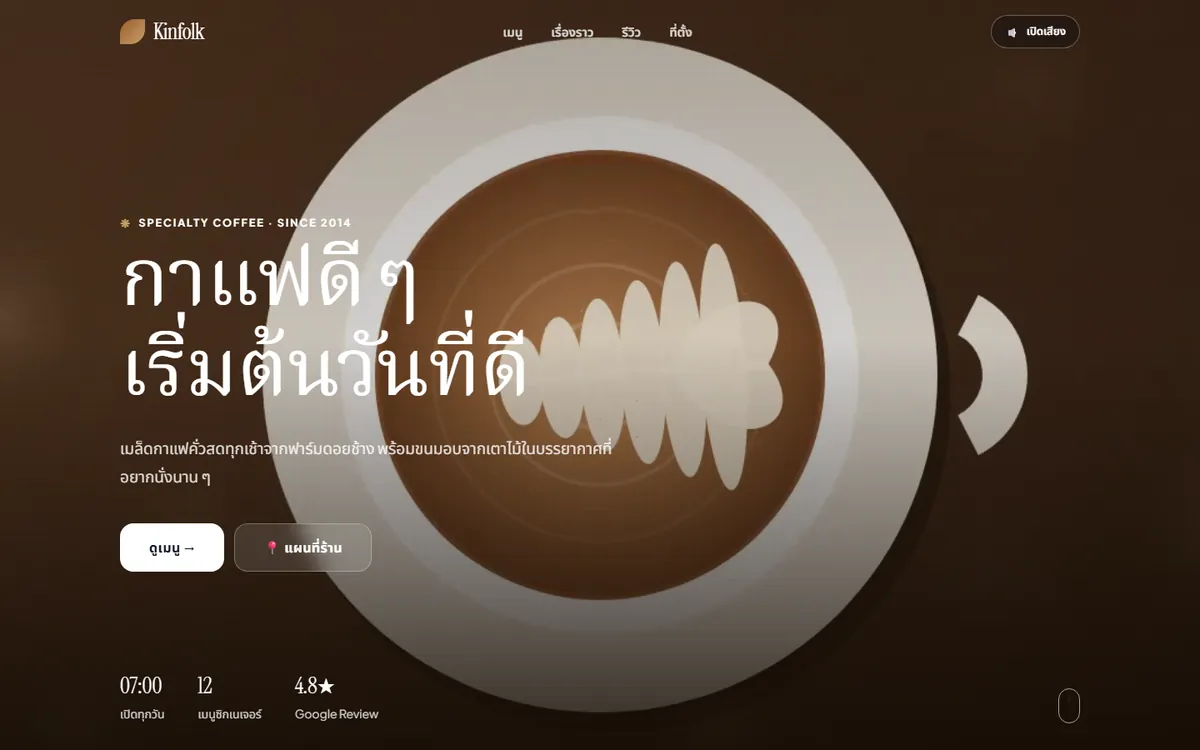
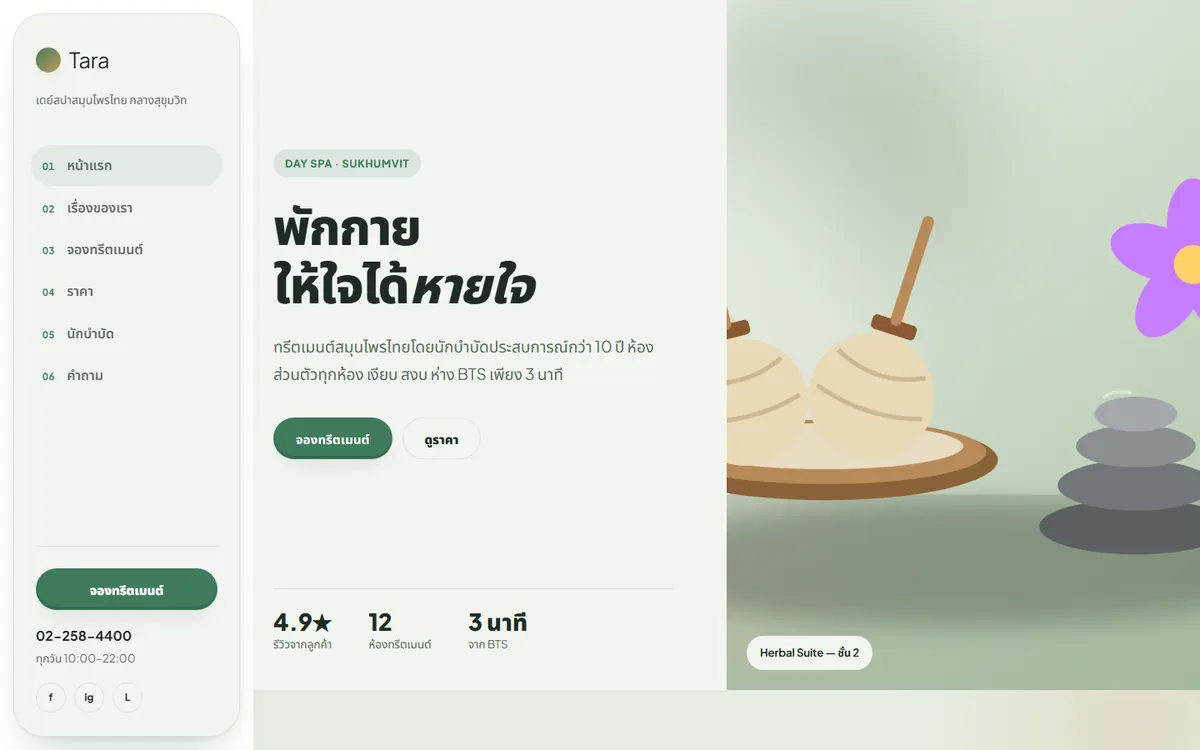
Treatments, prices and a button to book a free time slot.
Clinics, spas, massage shops and hair salons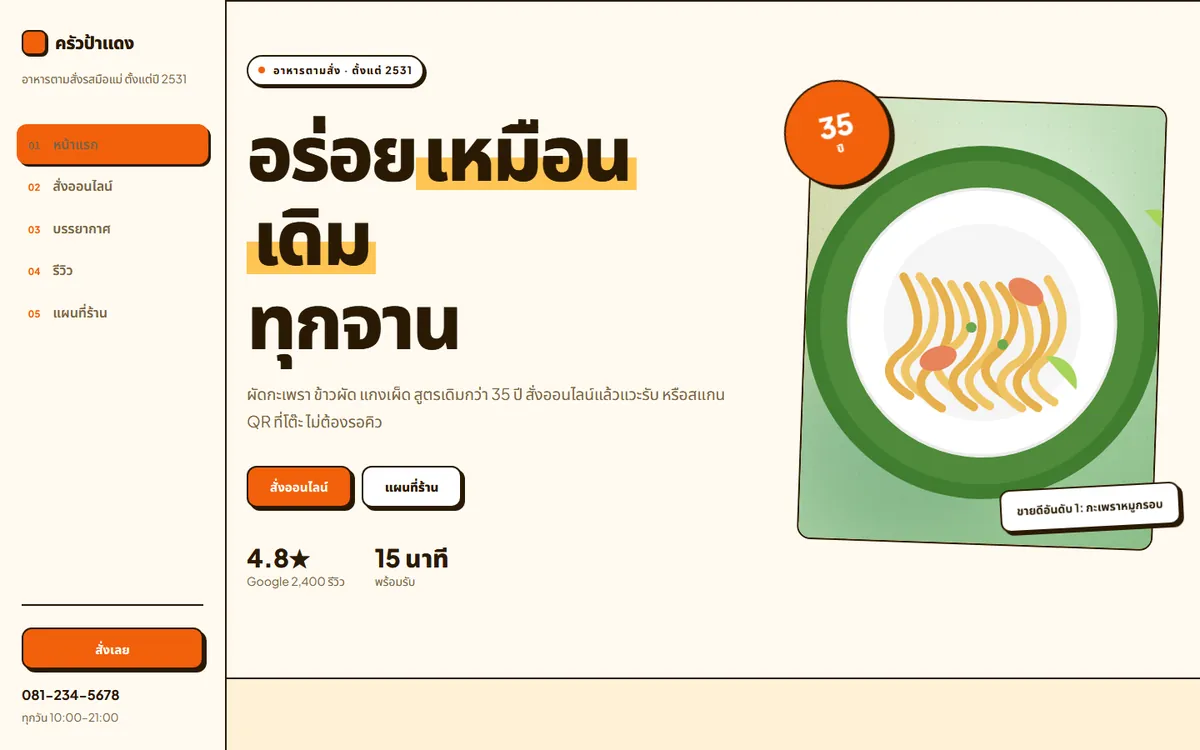
A menu with photos and prices; customers order takeaway and pay by PromptPay straight to the shop.
Restaurant and café websites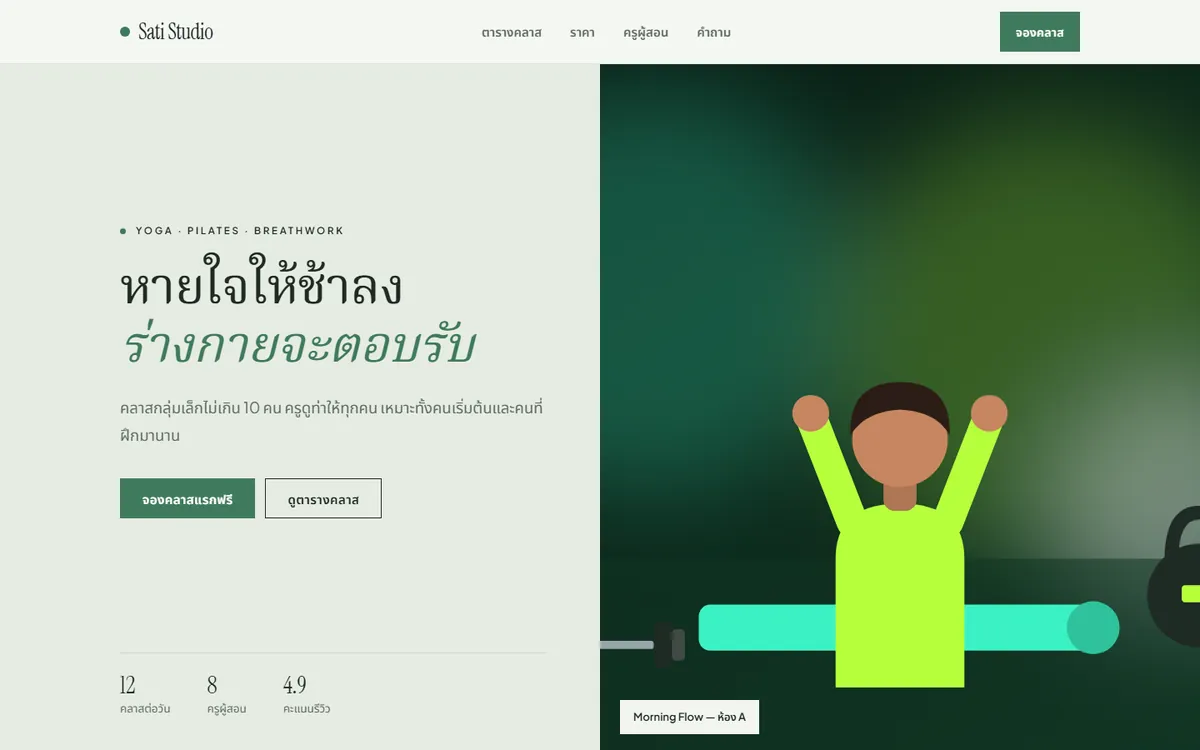
Class timetable, prices, teachers and a class booking form.
Gym, fitness, yoga and studio websites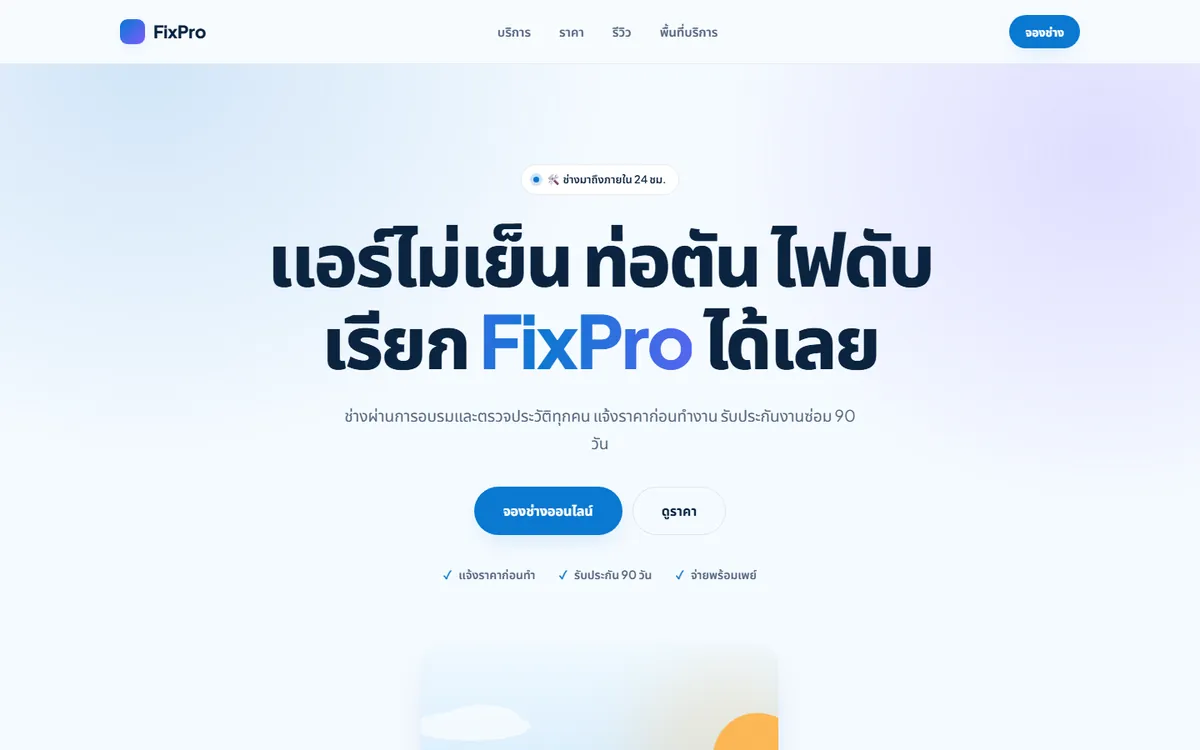
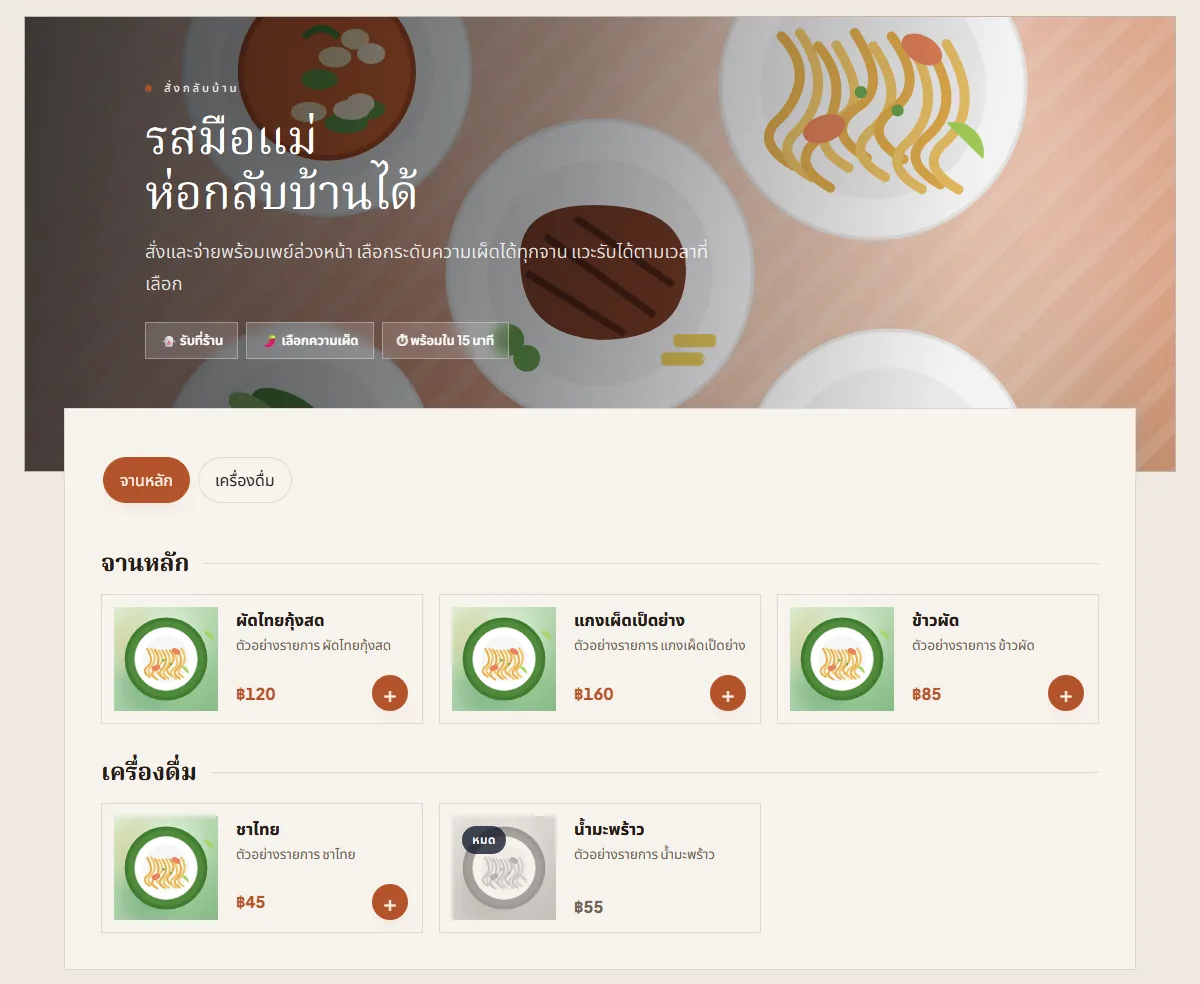
Services, starting prices, service area and a button to book a technician online.
Online booking for service businessesEvery screen here is taken from a real template in the builder; shop names and content are examples. More than 50 templates are waiting after you sign up.
No step needs technical knowledge. If you can post on LINE or Facebook, you can do this.
Pick a template made for businesses like yours, or type something short like “a small café in Ari that roasts its own beans” and let the AI draft the page, headlines and taglines for you to review.
Click anything to edit it. Want a menu, a map or a contact form? Drag a block in. You see the result right away on desktop and mobile.
Your site goes live on our hosting straight away. No files to move and no servers to set up. Keep editing whenever you like, and roll back to an earlier version if you change your mind.
Switch on the Business Apps add-on and customers order food, buy products or book a slot from their phones. Orders land in your shop's dashboard at once, so there is less answering chats and writing orders in a notebook.
Add-on from $5.80 / site / month
At the lunch rush, staff cannot write orders fast enough, tables get the wrong dishes and customers wait.
Customers scan the QR code on the table, see the menu with photos and order from their phone
Restaurant and café websitesPrice questions in chat all day, orders taken for items already sold out, the same tracking-number questions again and again.
A storefront with every photo and price, where customers choose and order themselves 24 hours a day
Online store websitesThe phone rings all day for appointments, a paper diary leads to clashes, and customers are missed while the shop is closed.
Customers see the open times and book themselves on your site, even while you're closed
Clinics, spas, massage shops and hair salonsRooms listed on several sites, then two guests booked for the same night.
Take bookings by the night straight from your own site; a booked room can't be booked twice
Hotel, resort and homestay systemCustomers who have paid get their own Wi-Fi code printed on the receipt, so no single password is taped up for everyone, and usage records are kept as the law requires.
Wi-Fi Hotspot from $9.90 per location a month
Wi-Fi Hotspot for shops, hotels and dormsBegin with what the shop needs now and switch on other services when the time comes. No moving your site, no signing up again.
Pick a template, edit it yourself and publish, starting on the free plan.
Website builderCustomers order and book from their phones, and the money goes straight to the shop's account.
Business AppsEmail in your shop's own name, and Wi-Fi for customers with a code on every bill.
Email and Wi-FiYour IT team can open Database, Container and office VPN from the same account.
Cloud servicesSwitch on more services from the same account. We look after the machines, installation and backups; your team looks after the app and its data.
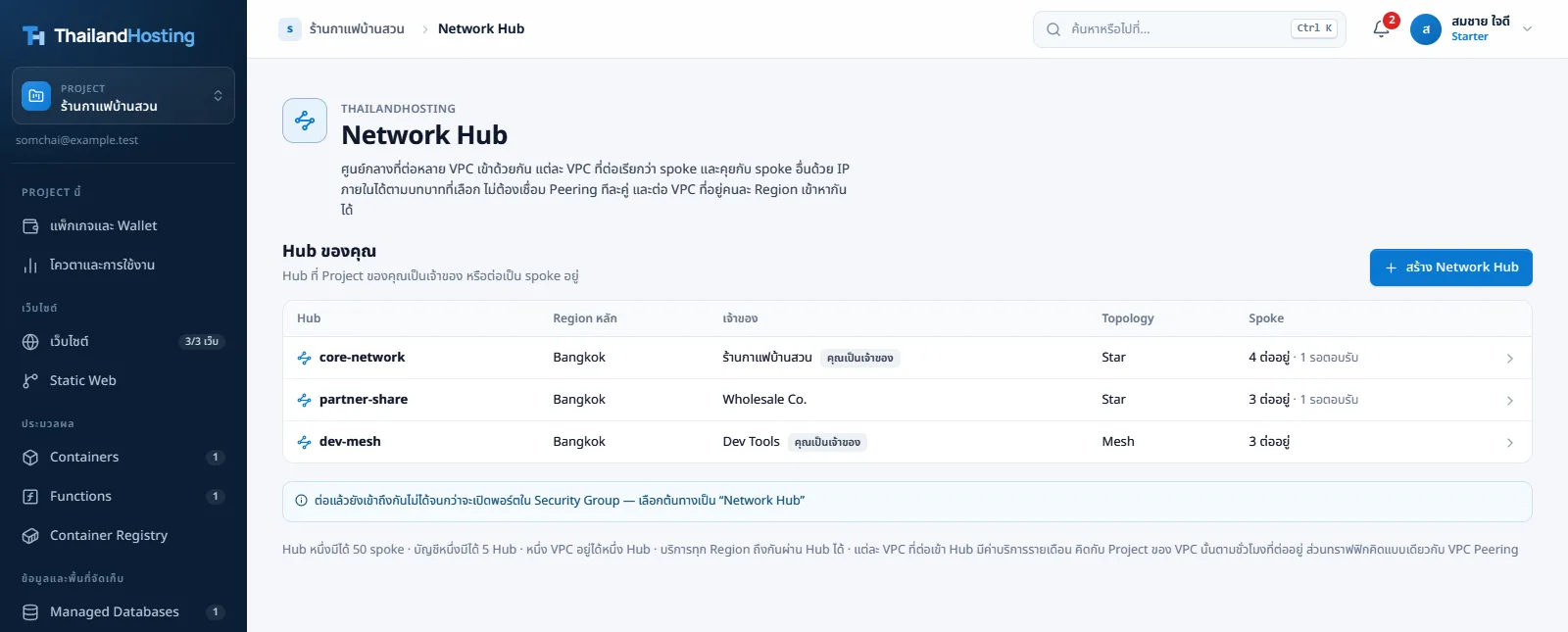
See the current status and prices of each service in the console after you sign up. Need more disk space than the options offer? Open a ticket to ask for it.
Not sure what you need, or planning something bigger than a standard plan? Tell us what your business does and our team will help you think it through. Advice is free.
Contact salesWe reply by email, phone or LINE, whichever suits you
Yes. It is designed for people who have never built a site. Start from a template and swap in your own text and photos. If you get stuck, let the AI draft something first and adjust it from there.
The Free plan never expires. It suits trying things out and small sites. Upgrade later when you need more quota. Nothing is charged to a card automatically, because we never ask for card details in the first place.
AI use is charged from your wallet balance by how much you use. Building and editing your site yourself with drag and drop has no AI charge.
It is prepaid. Each project has its own wallet, topped up by PromptPay (baht) or Bitcoin, with VAT charged once when you top up. Packages are taken monthly in advance and cloud services by the hour. If the wallet runs out there is a grace period to top up; if you do not, the services are paused and deleted after 30 days paused.
Yes. Starter and above can connect your own domain, and HTTPS certificates are issued for you automatically. On the Free plan your site is published on our web address, also with HTTPS.
Use the Business Apps add-on: a base fee of US$2.90 per site per month plus the price of each tool you turn on (US$1.90–3.90 each). A shop that only takes appointments pays US$5.80, and every tool together never costs more than US$14.90. Business includes the base fee and 2 tools on 1 site. There is no commission on orders or bookings, because customers pay the shop directly by PromptPay, LaoQR or cash. It is not available on Free.
Sign up with your email, no credit card, and start from your first template.